Atechly Repair Hub: Expert Solutions for Your Tech
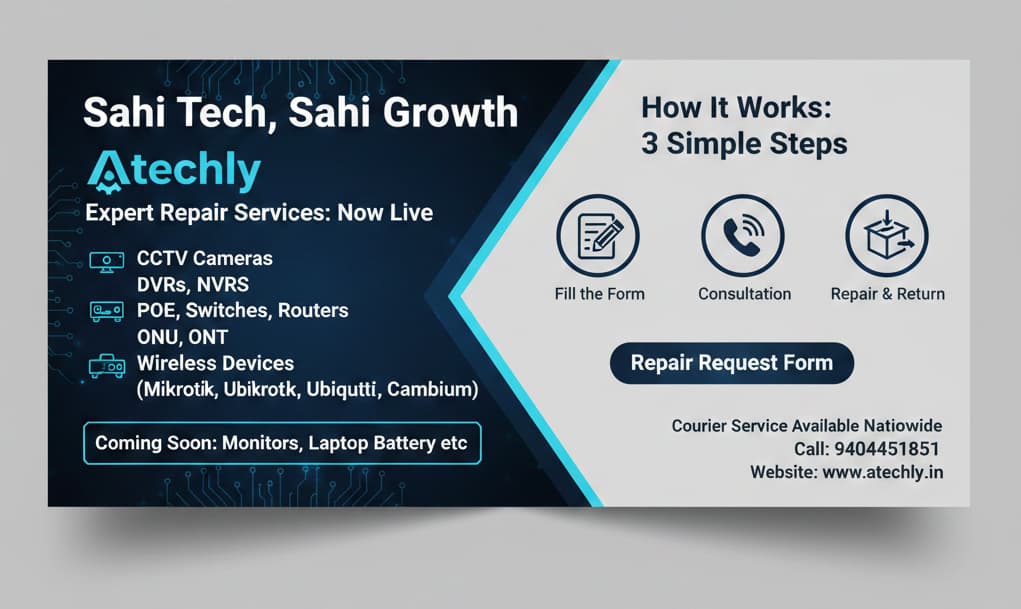
Got a faulty device? Don’t replace it—repair it! At Atechly, we specialize in high-quality repairs for networking and security hardware. Our expert technicians ensure your devices are back to “like-new” condition quickly and affordably.
Atechly Repair Hub: Expert Solutions for Your Tech
Got a faulty device? Don’t replace it—repair it! At Atechly, we specialize in high-quality repairs for networking and security hardware. Our expert technicians ensure your devices are back to “like-new” condition quickly and affordably.
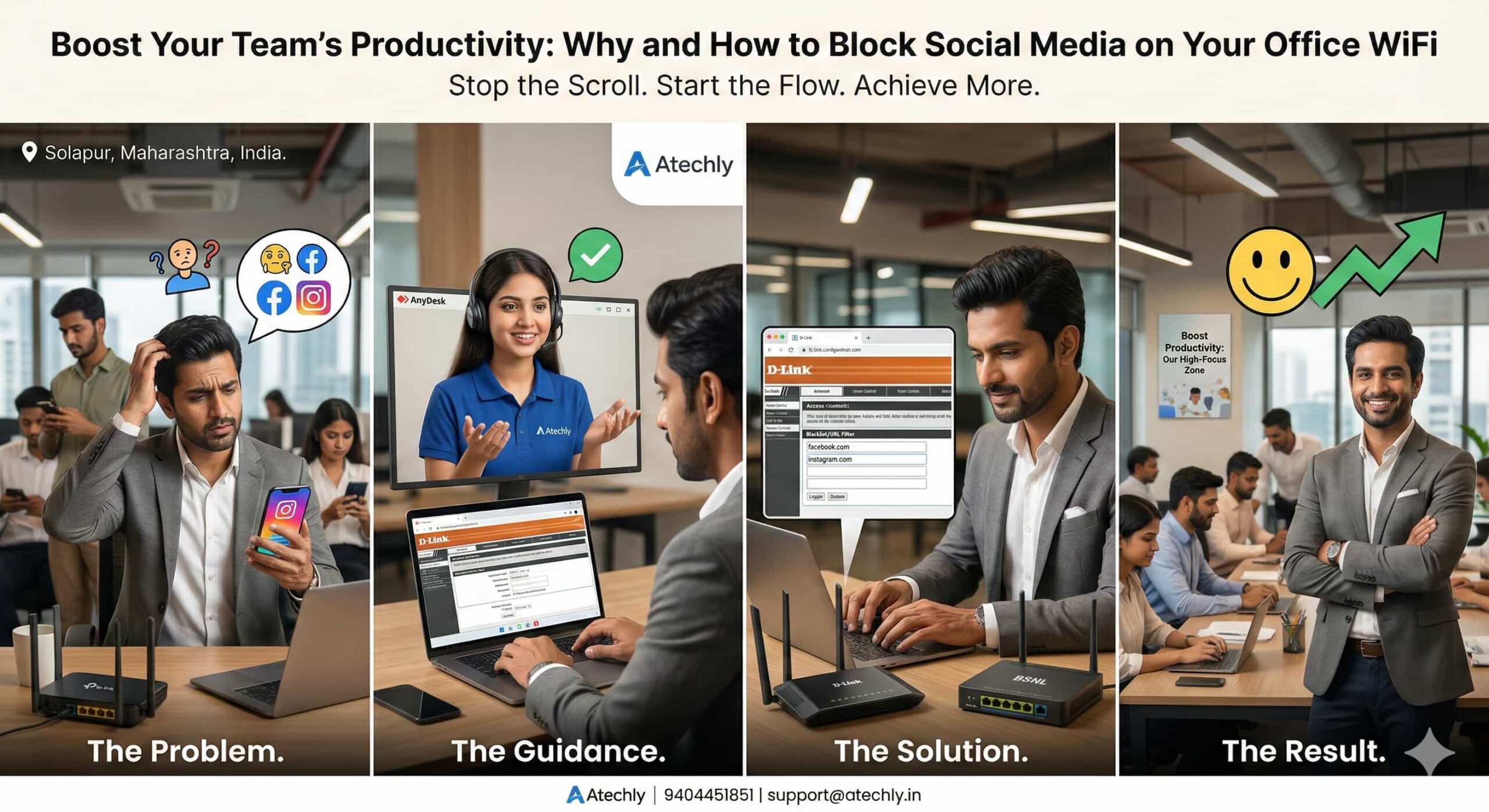
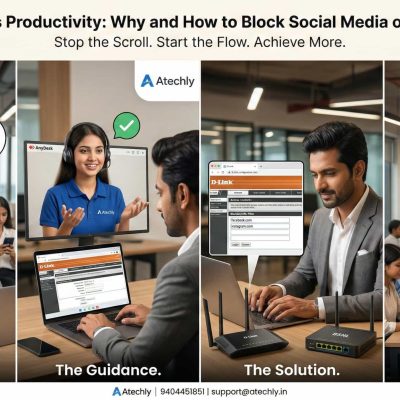
In 2026, the average professional loses nearly 2.5 hours daily to digital distractions. In India, where “doomscrolling” through Instagram Reels and Facebook feeds has become a workplace epidemic, office managers are facing a tough choice. While connectivity is vital, unrestricted social media access is often the “silent thief” of your company’s time and bandwidth.
What is Social Media Blocking?
Social media blocking is a network-level restriction that prevents devices connected to your office WiFi from accessing platforms like Instagram, Facebook, and TikTok. Instead of monitoring individual screens, you manage the gatekeeper—your router.
Understand Your Router Configuration & Basic Details
Brand / Category
Primary Use Case
Blocking Method
Key Advantage
TP-Link
SMEs & Home Offices
Access Control / Parental Controls
Affordable, user-friendly mobile app.
D-Link
Budget-Conscious Offices
Website Filter / Firewall Rules
Reliable hardware; “Blacklist” settings.
Netgear
High-Performance Teams
Smart Parental Controls (Circle)
Advanced security & stability.
Cisco
Large Enterprises
Cisco Umbrella / ACLs
Enterprise-grade security & analytics.
Asus
Creative & Tech Agencies
AiProtection / Web & App Filter
One-click category blocking.
BSNL / FTTH
Standard ISP Connections
URL Filtering / Firewall
Manual domain entry required.
Jio/Airtel
Managed Fiber Services
Native App (MyJio/Airtel)
Easy “Safe Internet” toggle.
Detailed Step-by-Step Instructions
1. For FTTH Routers (BSNL / Private ISPs)
FTTH routers like Syrotech and Netlink are very common in India.
Step 1: Connect to WiFi and open 192.168.1.1.
Step 2: Log in (Default pass is often stdONU101 or Syro@43210$).
These providers prefer you use their apps for a better user interface.
JioFiber: Use the MyJio App. It is the easiest way to block specific devices or websites without touching complex IP settings.
Airtel: Activate the Airtel Secure Internet service (usually a small monthly fee or included in high-end plans) to block categories like “Social Networking” with one click.
3. For Basic Brand Routers (TP-Link/D-Link)
TP-Link: Look for Advanced > Parental Controls. You can create a “Profile” for the whole office and add “Keywords” like facebook to block all related traffic.
Asus: Use the AiProtection menu. It has a dedicated “Web & Apps Filters” section where you can check a box for “Social Networking.”
Atechly is an innovative IT marketplace and solutions company dedicated to bridging the gap between industry creators and service providers. You empower businesses, professionals, and students with modern digital tools, training, and growth opportunities in the rapidly evolving technology landscape.